Click Speed Test

Test how fast you can click - Challenge yourself and beat your high score!

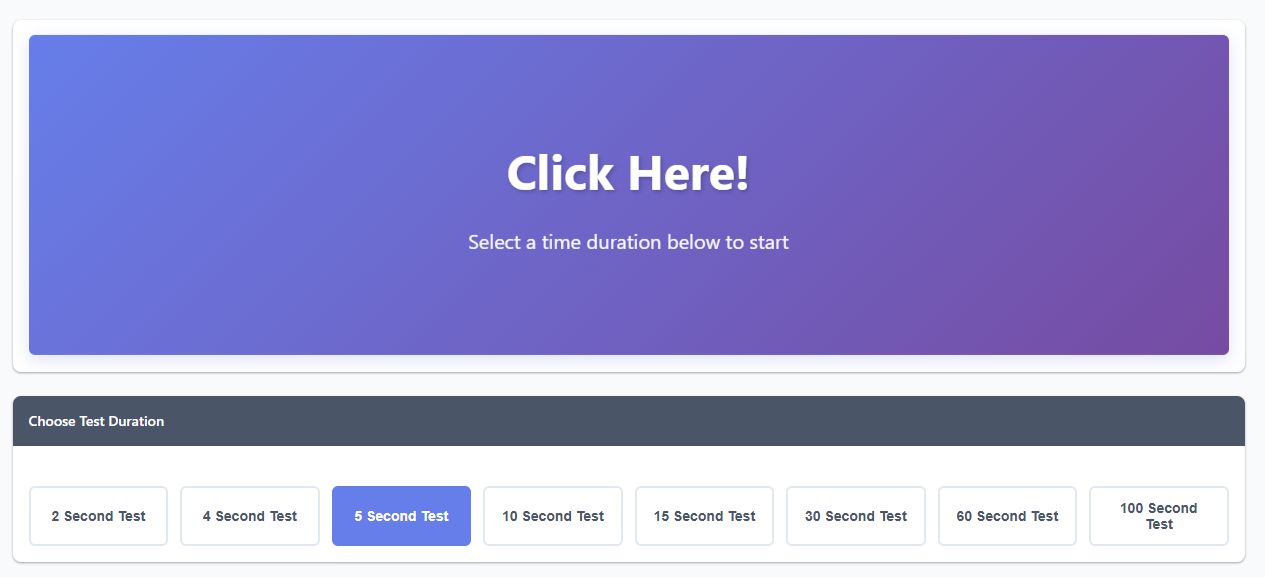
Ready to test your clicking speed! Choose a time duration below and click as fast as you can!

Click Here!

Select a time duration below to start

Choose Test Duration
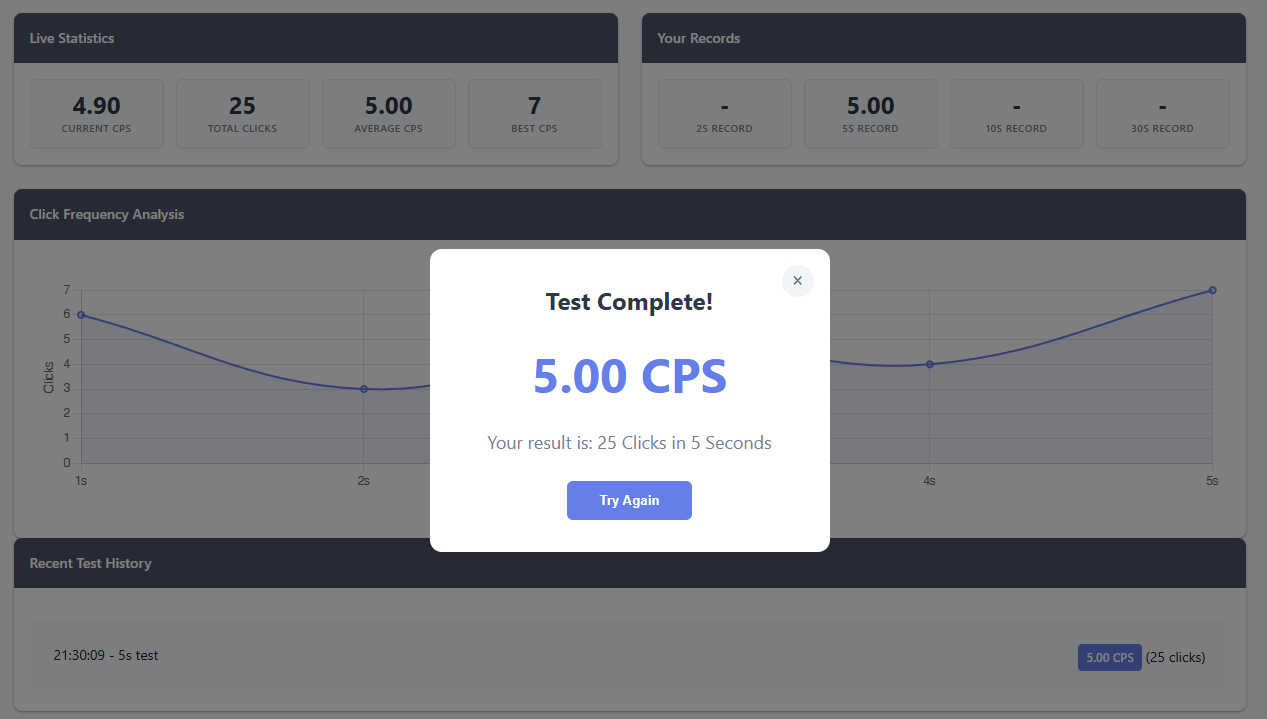
Live Statistics
0
Current CPS
0
Total Clicks
0
Average CPS
0
Best CPS
Your Records
-
2s Record
-
5s Record
-
10s Record
-
30s Record
Click Frequency Analysis
Recent Test History
No tests completed yet. Start clicking to see your history!

Master the Art of Speed Clicking

Welcome to the ultimate Click Speed Test! This tool measures how many times you can click in a given timeframe, calculating your CPS (Clicks Per Second). Whether you're a gamer looking to improve your reaction time or just curious about your clicking speed, we've got you covered!
How to Use This Click Speed Tester

  1. Pick your challenge: Choose from 8 different time durations - from a quick 2-second sprint to an endurance 100-second marathon
  2. Get ready: Position your hand comfortably on your mouse. Most people use their index finger for best control
  3. Start clicking: Click anywhere in the purple box to begin. Keep clicking as fast as you can!
  4. Watch your stats: See your click count and remaining time in real-time
  5. Get your results: When time's up, you'll see your final CPS score and detailed statistics

Understanding Your CPS Score

  • 1-3 CPS: Beginner level - You're just getting started!
  • 4-6 CPS: Average - Most casual users click at this speed
  • 7-9 CPS: Good - You've got some solid clicking skills
  • 10-12 CPS: Excellent - You're faster than most gamers
  • 13+ CPS: Pro level - You've mastered advanced clicking techniques!

Advanced Clicking Techniques

Regular Clicking: The standard technique using your index finger. Good for consistency and control. Most people achieve 5-7 CPS with this method.

Jitter Clicking: Tense your arm and vibrate your hand to click rapidly. This can achieve 10-14 CPS but requires practice and can be tiring.

Butterfly Clicking: Use two fingers (index and middle) alternating clicks. With practice, you can reach 15-20 CPS!

Drag Clicking: Drag your finger across the mouse button to register multiple clicks. This is mainly for specialized gaming mice.
Why Test Your Click Speed?

Tips for Improving Your CPS

  • Use a gaming mouse: They typically have better click registration and lower debounce time
  • Adjust your grip: Find a comfortable position that doesn't strain your hand
  • Practice regularly: Like any skill, clicking speed improves with practice
  • Stay relaxed: Tension slows you down - keep your arm and shoulder loose
  • Take breaks: Don't overdo it - rest your hand between sessions to avoid strain

Different Test Durations Explained

Health and Safety

While click speed testing is fun, remember to take care of your hands! Excessive clicking can lead to strain or repetitive stress injuries. Always warm up before intense sessions, take regular breaks, and stop if you feel any pain or discomfort.

Note: Your scores are saved locally in your browser. Clear your browser data to reset all records. Different mice and browsers may produce slightly different results due to hardware and software variations.