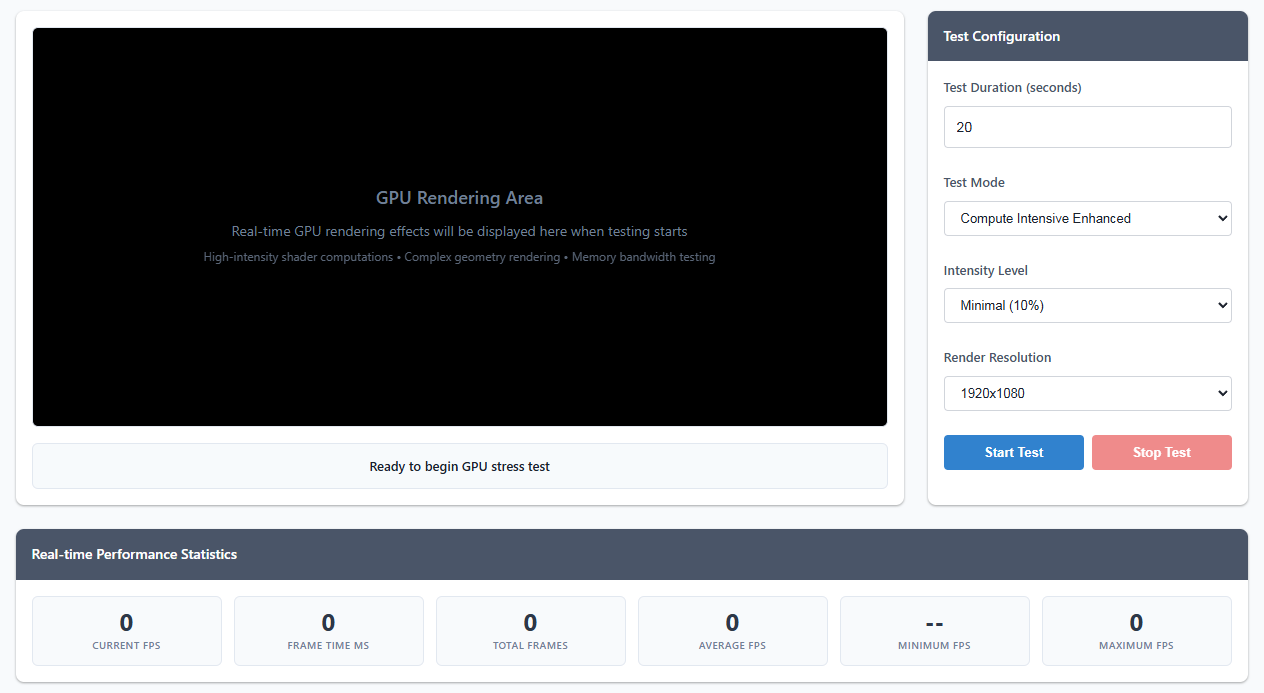
GPU Rendering Area
Real-time GPU rendering effects will be displayed here when testing starts
High-intensity shader computations • Complex geometry rendering • Memory bandwidth testing
Ready to begin GPU stress test
Test Configuration
Professional GPU performance evaluation and stress testing platform
Real-time GPU rendering effects will be displayed here when testing starts
High-intensity shader computations • Complex geometry rendering • Memory bandwidth testing
This GPU stress testing tool is designed to push your graphics card to its limits, helping you evaluate its performance, stability, and thermal characteristics under heavy workloads. Whether you're testing a new GPU, checking for overclocking stability, or just curious about your system's capabilities, this tool provides comprehensive testing modes.
The tool runs intensive WebGL shaders that stress different aspects of your GPU:
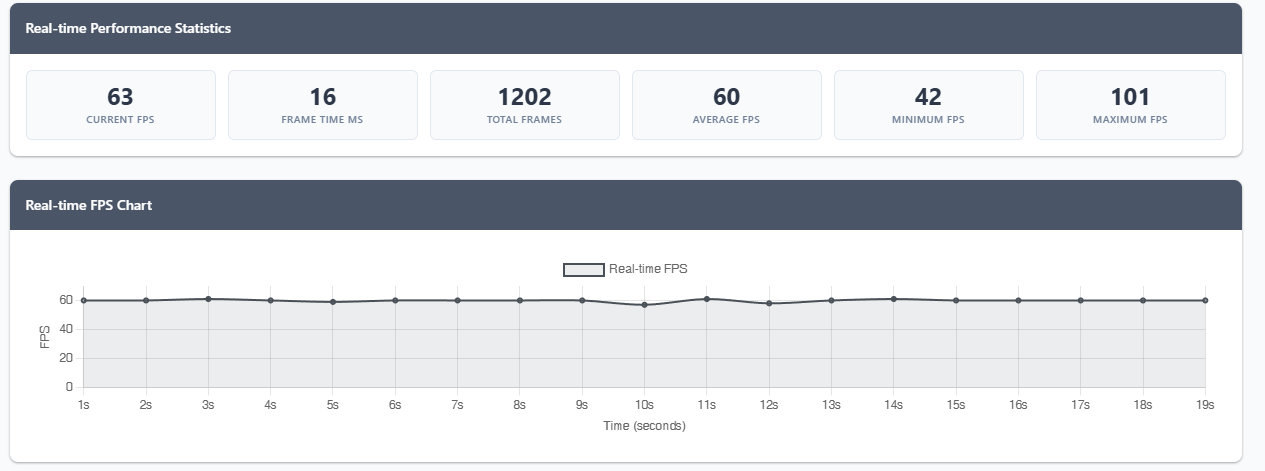
FPS (Frames Per Second): Higher is generally better, but consistency matters more than peak performance. Look for stable frame rates without big drops.
Frame Time: The time it takes to render each frame in milliseconds. Lower is better. Spikes indicate potential issues.
Performance Chart: Shows how your GPU performs over time. Thermal throttling will show as gradual FPS decline.
This tool uses WebGL 2.0 (falling back to WebGL 1.0) to create GPU-intensive workloads entirely within your browser. It doesn't install anything on your system and runs in a sandboxed environment. The stress tests use fragment shaders with high computational complexity, multiple texture samples, and intensive mathematical operations to maximize GPU utilization.
Note: Results may vary between different browsers and systems. For the most accurate stress testing, consider using dedicated GPU stress testing software like FurMark or Unigine Heaven alongside this web-based tool.